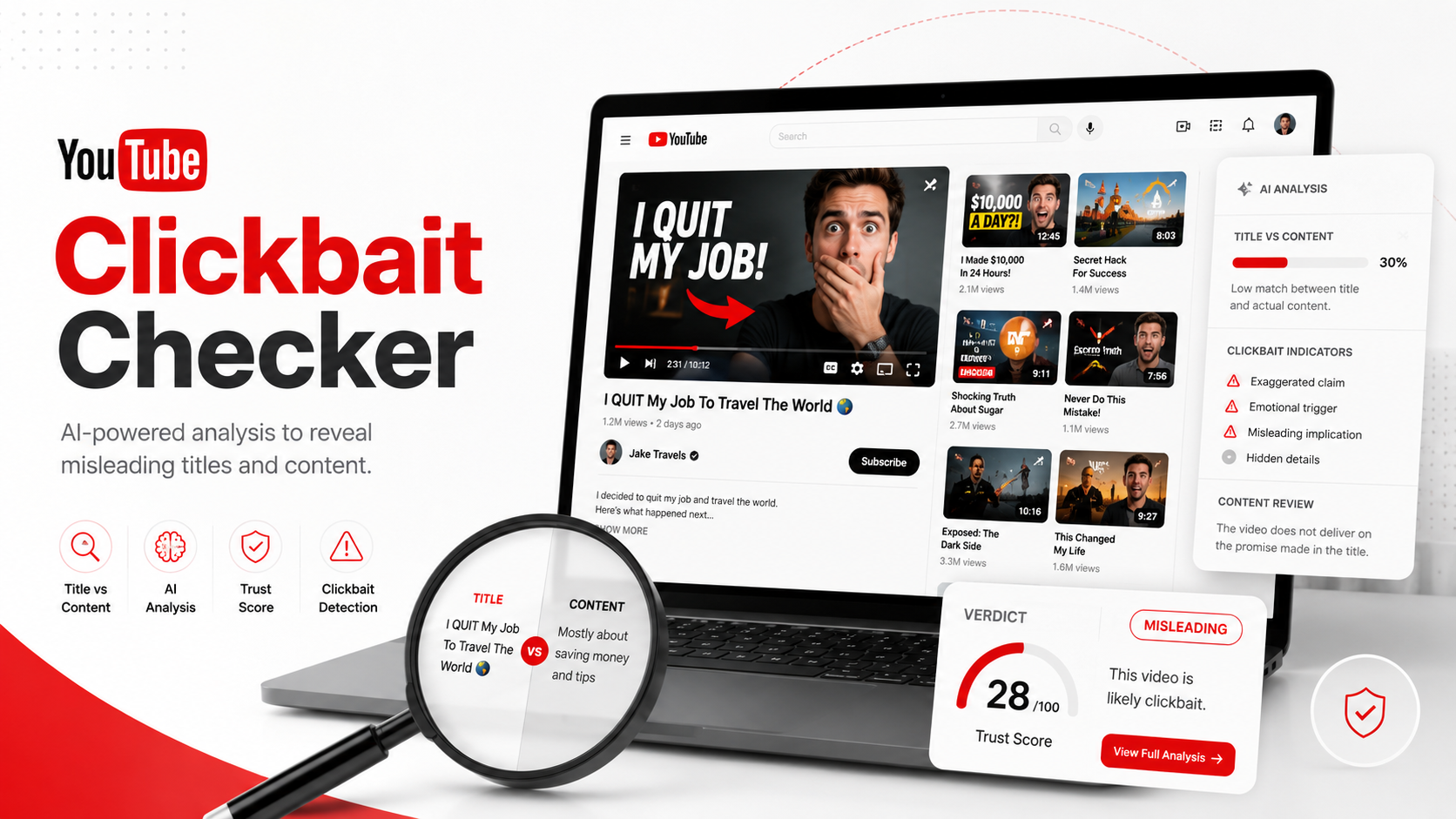
 10 YouTube Clickbait Checker Tools to Review Videos Before You Watch
YouTube is full of useful videos, but it is also full of titles and thumbnails that make big promises. Some videos deliver exactly what they say. Others take too long to get to the point, exaggerate the topic, or use a shocking thumbnail that does not match the actual content.
That is why a YouTube clickbait checker can be useful.
A good tool can help you look beyond the title and thumbnail. Some tools summarize the video. Some compare the title with the actual content. Some replace clickbait thumbnails. Others help creators test titles and thumbnails before publishing.
For viewers, these tools save time. For creators, they help build trust. For marketers and researchers, they make video research easier.
Here are 10 YouTube clickbait checker tools worth checking out.
1. IsThisClickbait
Best for: Checking if a YouTube video title and thumbnail match the actual content
IsThisClickbait is the most direct fit for this topic because it is built around the exact problem viewers face: “Is this video actually worth watching?”
The tool helps users check YouTube videos for clickbait by looking at the title, thumbnail, and what the video actually covers. Its YouTube clickbait checker page explains that a video can cover a real topic and still feel like clickbait if the title makes it sound more shocking, urgent, or useful than the content delivers.
This makes it useful for viewers who want to avoid wasting time on weak videos. It is also helpful for students, researchers, marketers, and content teams that use YouTube for learning or research.
IsThisClickbait also has a browser extension that lets users analyze any YouTube video with one click and view AI analysis, a concise summary, key points, and follow-up Q&A beside the video.
Use it when you want to quickly answer:
- Does the video match the title?
- Does the thumbnail exaggerate the content?
- What are the key points before I watch?
- Is the full video worth my time?
It feels natural as a first tool because it is not just about creator optimization. It is also useful for regular viewers.
2. Clickbait Remover for YouTube
Best for: Removing exaggerated thumbnails from the viewing experience
Clickbait Remover for YouTube is a browser extension that takes a different approach. Instead of analyzing the video with AI, it changes how videos appear while you browse YouTube.
The extension replaces thumbnails with a frame from the video, which can make the preview feel more honest. It can also modify titles to reduce partial titles or all-caps formatting. The Chrome Web Store listing says it works across YouTube, including the homepage, trending page, subscription page, and channel pages.
This tool is useful for people who feel distracted by dramatic thumbnails. It does not tell you if the video is good, but it does reduce the visual tricks that often make users click too quickly.
It is a good fit if you want a calmer YouTube browsing experience.
3. YouTube Clickbait-Buster
Best for: Previewing more context before clicking a video
YouTube Clickbait-Buster is another browser extension made for viewers who want to judge a video before watching. Its Chrome Web Store listing says it helps users check if a video is worth watching by letting them peek at content, descriptions, comments, full-size thumbnails, and full titles.
This is useful because clickbait often works by hiding context. A title may be cut off. A thumbnail may be unclear. The video description or comments may reveal that the content is not what the title suggests.
Clickbait-Buster is a practical tool if you do not need an AI summary but still want more information before opening a video.
4. TubeBuddy
Best for: Creators checking titles, thumbnails, and video packaging
TubeBuddy is more of a YouTube creator tool than a viewer-side clickbait checker, but it can still help creators avoid misleading packaging.
TubeBuddy offers YouTube SEO, keyword, title, thumbnail, and A/B testing tools. Its site lists features such as Title Generator, Thumbnail Analyzer, Thumbnail Generator, Click Magnet, SEO Studio, and A/B Testing.
For creators, this matters because clickbait is often not just about one bad title. It is about the gap between packaging and delivery. A good title and thumbnail should attract clicks, but they should still match the video.
TubeBuddy can help creators test and improve:
- Titles
- Thumbnails
- CTR-focused packaging
- Metadata
- Video SEO
- A/B test performance
It is best for creators who want stronger packaging without harming viewer trust.
5. vidIQ
Best for: Improving YouTube titles without making them misleading
vidIQ is another popular YouTube growth tool. Its AI title generator is built for YouTube creators and uses YouTube search data with title formulas to help create optimized titles. The page also says the tool helps balance keywords, curiosity, and clarity.
That balance is important. A strong YouTube title should make people want to click, but it should not trick them.
vidIQ is useful for creators who want to improve titles before publishing. It can help create titles that are clearer, more searchable, and more interesting.
It is not a viewer-side clickbait detector, but it can help creators reduce the risk of overpromising.
6. YouTube Studio A/B Testing
Best for: Testing titles and thumbnails with real viewer data
YouTube Studio now supports A/B testing for titles and thumbnails. YouTube’s Help Center says creators can test a new or existing video by selecting A/B testing in the Title box or under Thumbnail.
This is useful because sometimes creators guess which title or thumbnail will work best. A/B testing gives more practical data.
For clickbait prevention, the value is simple: creators can test stronger packaging while still staying aligned with the video content.
It can help answer:
- Which title gets better watch time?
- Which thumbnail attracts the right viewers?
- Does the winning version keep people watching?
- Are viewers clicking and staying, or clicking and leaving?
That last point matters. A title may get clicks, but if people leave quickly, the packaging may not match the content.
7. Thumbnail Test
Best for: Testing YouTube titles and thumbnails before settling on one
Thumbnail Test is built for YouTube A/B testing. Its site says users can test thumbnails, titles, or both, compare versions, track simple metrics, collaborate with teammates, and revive underperforming videos.
This is helpful for creators who want more control over packaging tests.
A good thumbnail is not automatically clickbait. A strong thumbnail can be clear, emotional, and relevant. The problem starts when the thumbnail creates a promise the video does not answer.
Thumbnail Test can help creators improve click appeal while using real performance signals instead of only personal opinion.
8. TestMyThumbnails
Best for: Previewing titles and thumbnails in a real YouTube-style layout
TestMyThumbnails helps creators see how a YouTube title and thumbnail may look inside the current YouTube feed layout. Its site says the tool helps users understand how noticeable their content is among other videos.
This is useful because a thumbnail may look good in a design file but weak inside the YouTube feed. It may be too crowded, too small, unclear on mobile, or too similar to competing videos.
For avoiding clickbait, this tool helps with the honest packaging stage. You can test if your thumbnail is clear and attention-grabbing without turning it into something misleading.
It is especially useful before publishing a video or redesigning old thumbnails.
9. Glasp YouTube Summary
Best for: Checking what a video actually says through summaries and transcripts
Glasp YouTube Summary is not branded as a clickbait checker, but it can help users spot weak or misleading videos by summarizing the actual content.
Glasp says its YouTube summarizer can generate summaries, key points, timestamped summaries, and full transcripts from YouTube videos.
This is useful because many clickbait problems become obvious once you read the summary. If a title promises a major reveal, but the summary shows only basic points, you can decide not to watch the full video.
It is a good option for students, researchers, and viewers who want a quick way to understand long videos before committing time.
10. Commetry
Best for: Reading audience reaction before trusting a video
Commetry is an AI YouTube comment analyzer. Its Firefox listing says it analyzes YouTube comments and provides summaries, themes, and sentiment insights.
This can be useful because comments often reveal whether viewers felt the video delivered on its promise.
For example, comments may show patterns like:
- People saying the title was misleading
- Viewers complaining that the answer never came
- Users saying the video saved them time
- People asking for missing details
- Viewers pointing out that the thumbnail was exaggerated
A comment analyzer is not a complete YouTube clickbait checker, but it adds another layer of context. If many viewers feel misled, that is worth knowing before you spend time watching.
Why YouTube Clickbait Checkers Matter
Clickbait is not always about fake topics. Sometimes the topic is real, but the title or thumbnail makes it sound more urgent, shocking, or valuable than it really is.
YouTube’s own policy page describes misleading metadata or thumbnails as using titles, thumbnails, or descriptions to trick users into believing the content is something it is not.
Google also explained that “egregious clickbait” happens when a video title or thumbnail makes promises or claims that are not delivered in the video, especially around breaking news or current events.
That is why these tools matter for both sides.
Viewers need better ways to avoid low-value videos. Creators need better ways to attract clicks without damaging trust.
Which YouTube Clickbait Checker Should You Use?
The best tool depends on what you need.
If you want to check a video before watching, start with IsThisClickbait, YouTube Clickbait-Buster, or Glasp.
If you want to reduce clickbait-style browsing, try Clickbait Remover for YouTube.
If you are a creator trying to improve titles and thumbnails, use TubeBuddy, vidIQ, YouTube Studio A/B Testing, Thumbnail Test, or TestMyThumbnails.
If you want to understand how viewers reacted to a video, Commetry can help by summarizing comment themes.
Final Thoughts
A YouTube clickbait checker can help you make better decisions before you watch, publish, or share a video. Some tools analyze the content. Some summarize the transcript. Some test titles and thumbnails. Others change how YouTube looks so you are less influenced by dramatic visuals.
For most viewers, IsThisClickbait is a strong starting point because it directly checks the gap between what a video promises and what it actually covers. For creators, tools like TubeBuddy, vidIQ, YouTube Studio, Thumbnail Test, and TestMyThumbnails can help improve packaging without crossing into misleading territory